
Character Selection and Studio Layout
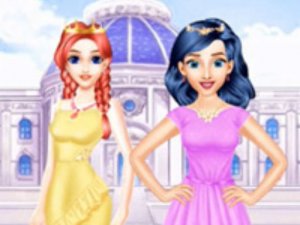
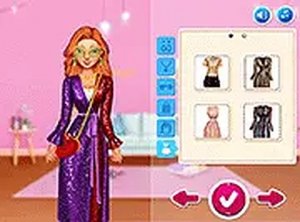
Style Squad Creative Outfit Studio begins with a lineup of characters, each with distinct style preferences. Players select one to style. The interface uses clear category tabs for clothing, hairstyles, and accessories, helping young users move between sections without confusion. The game encourages trying different looks on each character, so no two play sessions feel the same.
Wardrobe Mixing and Layering
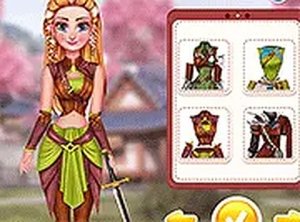
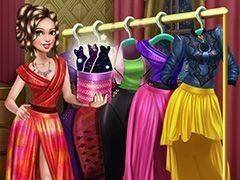
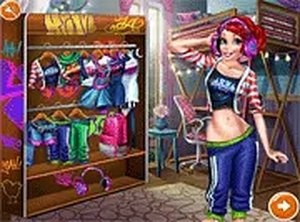
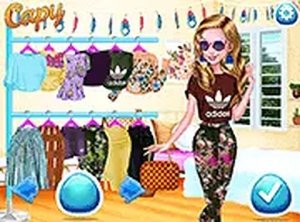
The wardrobe includes tops, dresses, leggings, coats, boots, and glasses. Each category holds multiple options that can be combined freely. Players can layer a coat over a dress or pair leggings with boots. Hairstyles range from short cuts to long flowing styles. There are no color coordination restrictions, so bold combinations are welcome. This open-ended system supports creative decision-making.
Accessories and Themed Items
Beyond basic clothing, the game offers accessories like glasses and themed items that match the style squad concept. These extras add personality to each outfit. Some accessories may be tied to specific themes, giving players hints for coordinated ensembles. Experimenting with different accessory combinations can lead to surprising results. The variety keeps the styling process engaging over multiple playthroughs.
Self-Expression Without Pressure
The game provides a safe space for self-expression. There are no wrong choices or time limits. Children can take as long as they like to perfect an outfit. The colorful visuals and friendly character designs create a welcoming atmosphere. This environment helps build confidence in making aesthetic decisions, and parents can feel comfortable letting kids explore independently.



Comments
0 comments