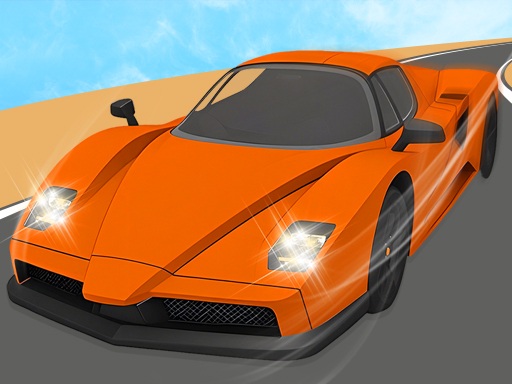
Driving Feel and Terrain Response
Handling in Open Road Driving Adventure changes with speed, surface, and vehicle weight. Pavement, dirt, and grass each alter grip and braking distance, so a corner that feels stable on asphalt can become a slide on loose ground. This forces players to read the road ahead and adjust steering and throttle rather than holding a single input.
Mission Structure and Free Roam
The game supports two approaches: following a mission path or ignoring it entirely to explore. Missions ask for checkpoint arrivals, timed runs, or specific maneuvers, each testing precision and timing. Free roam lets players learn the map at their own pace, which is useful because knowing where terrain shifts helps in timed objectives.
Rewards and Progression
Completing tasks earns rewards that unlock new vehicles or upgrades. This creates a loop where better handling or speed opens up missions that were previously difficult. Players who prefer free driving can still progress, though mission completion is the more direct route to unlocking options.
Controls and Accessibility
Standard keyboard controls cover steering, acceleration, and braking. No installation is required because the game runs in a web browser. The control scheme is simple enough for newcomers, but the physics depth means experienced drivers can still find a challenge in maintaining stability during sharp turns or stunts.








Comments
0 comments