
Core Design Experience
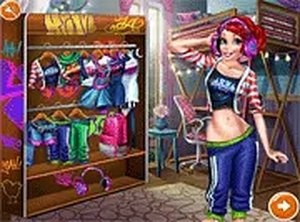
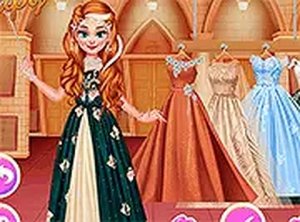
Style Studio Fashion Creator centers on building complete character looks from a wide selection of pieces. You start by choosing a base character, then browse through categories such as hairstyles, tops, bottoms, shoes, and accessories. Each item can be applied instantly to see how it fits with your overall design. The interface is intuitive, allowing you to swap pieces quickly until you find combinations that feel right. This process encourages experimentation and personal expression, making each session feel fresh.
Customization Options
The game offers detailed control over your character's appearance. Beyond clothing, you can adjust hair color, eye color, lip color, nail polish, and skin tone. These subtle choices let you fine-tune the look to match a specific mood or theme. The variety of options means no two designs need to be the same. Whether you prefer bold contrasts or soft harmonies, the tools support a range of creative visions.
Photo Feature and Sharing
Once your character is styled, you can place them in one of several scenic backgrounds. These backdrops add context to your design, making it feel like a finished portrait. A built-in photo function lets you capture the final look as an image file. This is useful for keeping a personal gallery of your work or comparing different styles over time. The photo feature is simple to use and requires no extra software.
Accessibility and Platform
Style Studio Fashion Creator runs entirely in a web browser with no downloads or installations. It works on both desktop computers and mobile devices, using mouse or touch controls. The straightforward interface means players of any age can start creating immediately. There are no timers or pressure, so you can take as long as you like exploring each option. This makes it a relaxing activity for casual play.




Comments
0 comments