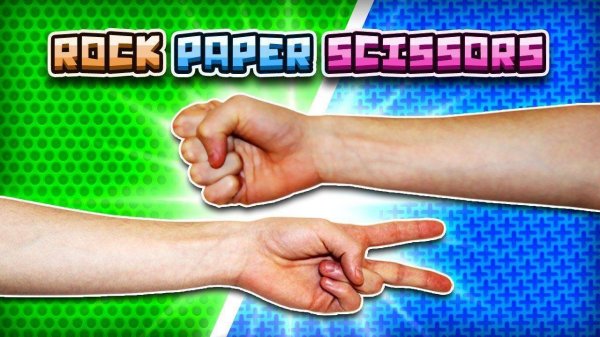
Core Duel Mechanics
Symbol Showdown: Quick Match is built entirely around the classic three-way contest: rock beats scissors, scissors beats paper, and paper beats rock. Each round, you and your opponent pick one symbol simultaneously. The game removes timers, animations, and extra modes, leaving only the prediction battle. Because rounds resolve instantly and both selections appear side by side, you always see exactly why a point was won or lost. There is no learning curve—the rules are understood in seconds.
First-to-Three Scoring
Matches end when someone reaches three points. A win adds one point; a tie awards nothing and the round resets. This short format keeps every match tense, often hinging on a single read of your opponent's habits. Falling behind forces bolder choices, while a lead lets you play more conservatively. The scoring system naturally pushes both players to adapt rather than repeat the same throw.
Opponent Options
Two ways to play are available. The CPU opponent offers a consistent solo challenge with behavior patterns that can be studied over multiple sessions. Local two-player mode lets two people compete on the same device, passing controls back and forth. This makes it suitable for quick breaks or friendly gatherings. No online multiplayer is included.
Interface and Pace
The layout is clean, with large labeled buttons for each symbol. After every round, both choices and the result are shown clearly. No timers or pressure mechanics exist, so you can deliberate as long as you like before choosing. The minimal design keeps attention on the strategic guesswork rather than on menus or visual effects. [IMG_1]



Comments
0 comments