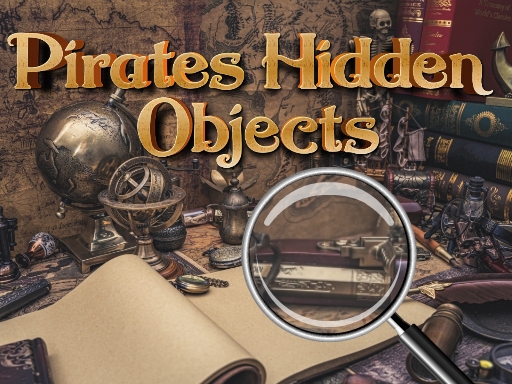
Finding Objects Under the Clock
Each level hands you a list of objects on the left side of the screen and a single illustrated scene to search. Your job is to locate every item on that list by clicking or tapping it directly. The timer is the real opponent here: finishing before it runs out completes the level and adds bonus points, so the pace you set matters as much as how well you look. Nothing moves or attacks you, but the countdown keeps the search from becoming a slow scan.
How Difficulty Climbs
The game opens with forgiving stages and then tightens the screws in two ways. Object lists get longer, which means more targets competing for your attention in the same picture, and the time allowance shrinks. That combination shifts the challenge from simple spotting to prioritization. You start deciding which objects are easiest to grab first and which ones hide in busy corners of the illustration, rather than reading the list top to bottom.
Pirate Scenes and Visual Design
The settings lean on classic pirate imagery: ships, islands, and treasure maps fill the main picture. Because every object is drawn into the same detailed artwork, the scenes stay visually busy enough to hide things without feeling cluttered. Colorful, hand-drawn-style illustrations keep each level looking different from the last, and the family-friendly theme avoids anything grim or frightening. The pirate flavor is decoration, not a threat.
Controls and Who It Suits
A mouse or touchscreen is all you need. There are no movement keys, no inventories, and no instruction screens to work through, so a first-time player can start clicking within seconds. That simplicity makes it a reasonable fit for children and adults playing together, and the short level structure means a session can last a few minutes or stretch longer if you keep going. Observation speed improves with repetition, so returning players tend to clear lists faster.







Comments
0 comments